
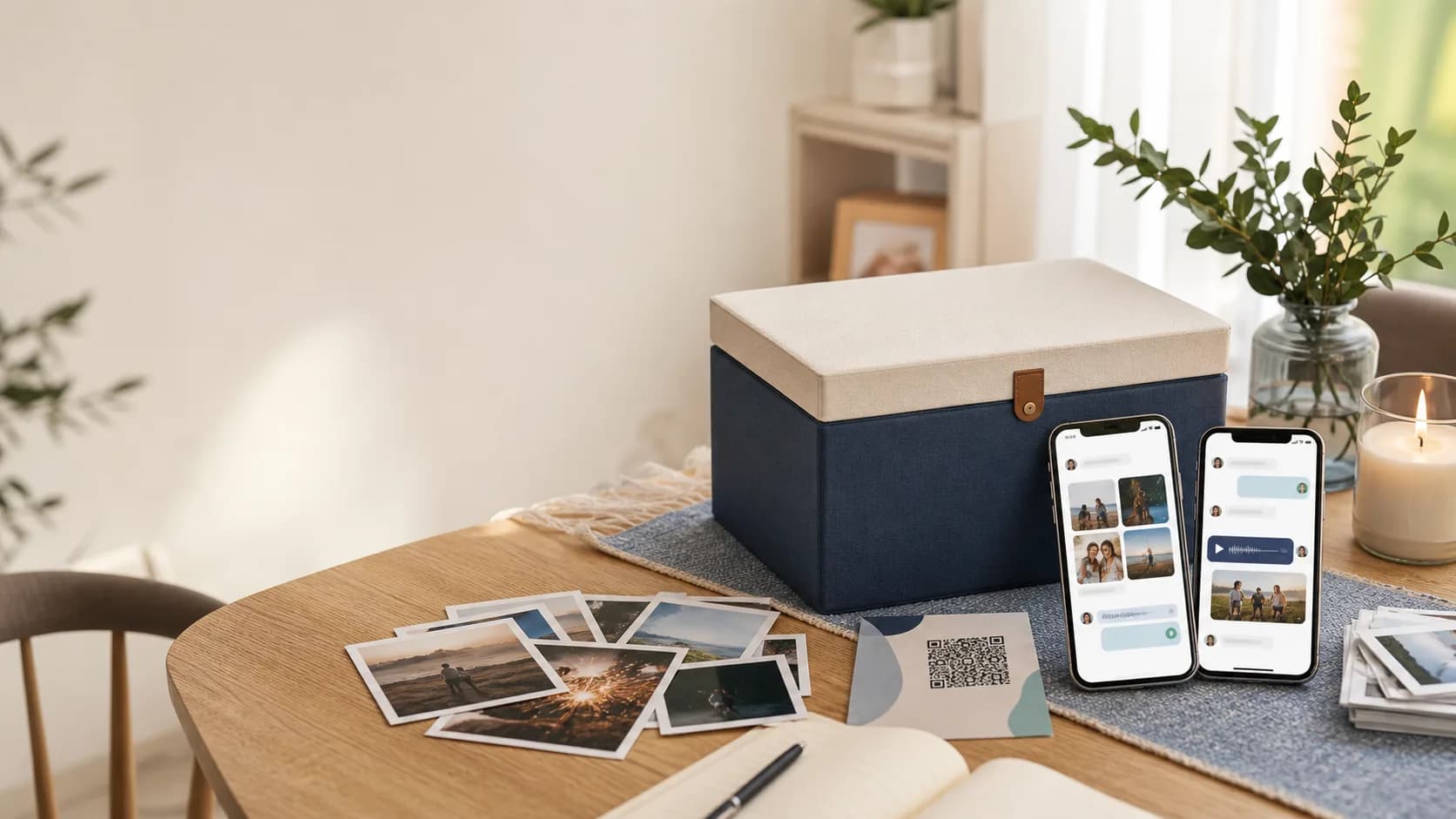
Group memory capsule
Create a Collaborative Time Capsule With Friends & Family
One shared gift, filled with the people they love. Invite up to 25 contributors to add photos, videos, voice notes, and messages, then open your group or family time capsule on a future date you choose.
$29.99 one-time / Up to 25 contributors / No subscription
A calmer way to gather group memories.
Group chats lose the best details. A collaborative capsule gives everyone one thoughtful place to contribute and gives you a polished reveal later.
25 people
Invited contributors on Collaborative
Media-ready
Photos, videos, voice notes, and messages
Owner-led
You manage access, timing, and visibility
Use Cases
Built for the moments people forget to capture.
Weddings and anniversaries
Collect advice, toasts, and stories before a future reveal.
Babies and first years
Invite family to add wishes, photos, and voice notes for a milestone.
Milestone birthdays
Ask friends to save stories, inside jokes, and wishes in one place.
Memorials and remembrance
Create a gentle, private space for stories and photos.
Graduations and new chapters
Gather messages from classmates, mentors, and family.
Friend groups
Capture trips, shared years, reunions, and open-this-later moments.
Group collection
Collaboration without the coordination mess.
Invite your contributors by email, give them a short prompt, and keep the final capsule organized for the reveal.
Everyone can contribute. You stay in control.
Invite-only access keeps the capsule focused, while owner controls keep the final keepsake curated.
- Email invitations for contributors; link or QR for viewing
- Prompts that help people share something specific
- Future unlocks for birthdays, anniversaries, reunions, and more
Invite-only collaboration
Share with exactly the group you want involved.
Prompted contributions
Guide people toward stories, advice, wishes, or favorite moments.
Owner controls
Decide who contributes, what is visible, and when the capsule seals.
Photos, video, and voice
Capture more than text so the future reveal feels alive.
Scheduled unlock
Reveal on a date your whole group can look forward to.
Guided opening
Open a curated experience instead of a folder of uploads.
How It Works
Start today. Reveal when the moment is right.
Create the capsule
Name it, choose a cover, and decide when it should unlock.
Invite contributors
Add up to 25 people by name and email. They sign in with their invited email to contribute.
Reveal it later
Open the capsule together when the date arrives.
Privacy And Control
Group memories stay private and curated.
Your capsule starts private and stays out of public discovery. You choose the contributors and who receives the viewing link or QR.
Private by default
Capsules are not public unless you choose to share them.
Visibility controls
Choose what contributors can see before and after the reveal.
Roles
Everyone gets the right level of access.
Owner
Creates, invites, curates, seals, and sets the unlock date.
Contributor
Adds messages, photos, videos, or voice notes.
Viewer
Views the capsule after unlock without editing it.
Why it converts
People contribute more when the container feels meaningful.
A dedicated capsule turns a vague ask into a clear moment: add your memory now, then open it together later.
Less chasing
One shared workspace keeps invited contributors' memories together.
Richer memories
The capsule supports the formats people naturally use: photo, video, voice, and text.
A real reveal
The future unlock gives the group a reason to come back together.
What your group can save.
The best collaborative capsules feel like a chorus of people who were there, each adding a piece of the story.
A reveal, not an archive.
When it opens, the capsule presents the memories as a guided keepsake your group can revisit.
Voice notes
Messages that preserve tone, laughter, and presence.
Photos
Snapshots from every angle, not just the official album.
Videos
Quick clips, toasts, stories, and reactions.
Letters
Written memories, advice, and wishes for the future.
Sealed privacy
Keep the collection locked until the reveal date.
Easy sharing
Share the finished reveal with a viewing link or printable QR.
Related Guides
Keep exploring memory ideas.
How to Create a Capsule
Follow the editor with screenshots, contributor invitations, preview, and QR sharing.
Video Guestbook with QR Code
Collect event messages with a scan-to-record guestbook.
Messages from Friends for Baby
Invite family and friends to contribute baby wishes.
Digital Time Capsule for Wedding
Create a future wedding anniversary reveal.
One group capsule. $29.99, paid once.
Gather up to 25 invited contributors in one beautifully presented keepsake. Choose a future reveal, share by viewing link or QR, and pay once with no subscription.
Launch quickly with a guided setup
Up to 25 invited contributors
Control access, visibility, and unlock timing
Common Questions
What is a collaborative time capsule?
A collaborative time capsule is a shared digital collection of messages, photos, videos, and voice notes from friends or family, saved for a future opening date. One organizer creates it, invites contributors, and chooses when the memories are revealed.
How many people can contribute?
The Collaborative plan supports up to 25 invited contributors. Free and Premium support up to two. The capsule's media limits are shared across the group, rather than applied separately to each person.
What's the difference between a group and family time capsule?
They use the same collaborative time capsule features. A group time capsule can bring together friends, classmates, wedding guests, or coworkers. A family time capsule focuses on relatives and shared family stories. Choose your contributors and opening date to suit the occasion.
How much does it cost?
Collaborative costs $29.99 once per capsule, with up to 25 invited contributors and no subscription. Paid hosting continues under the current service; keep independent copies of irreplaceable files. The Free plan lasts 14 days from creation.
Can I create a collaborative time capsule and keep it private?
Yes. Capsules start private and stay out of public discovery unless you change their visibility. You choose who can contribute. A viewing link or QR can be forwarded, so share it only with people you trust.
How do contributors add memories?
Add contributors by name and email in the capsule's access settings. They sign in with the invited email to add messages and media. Share the viewing link or printable QR for the finished reveal; a viewing QR alone does not grant contributor access.
Do contributors need an account?
Yes. Contributors sign in so entries stay connected to the right person.
Can I review what people submit?
Yes. The owner controls access, visibility, and when the capsule is sealed.
When can the capsule unlock?
Choose a future opening date in the builder, then check the saved reveal in your preview. A future date does not extend a hosting plan, so choose a paid plan for a reveal beyond the Free plan's 14-day window.
What events work best for collaborative capsules?
They work well for weddings, babies, birthdays, graduations, retirements, memorials, reunions, and friend groups.
Build it together. Open it later.
Invite the people who matter, capture their voices and memories, and create something your group will actually want to revisit.