
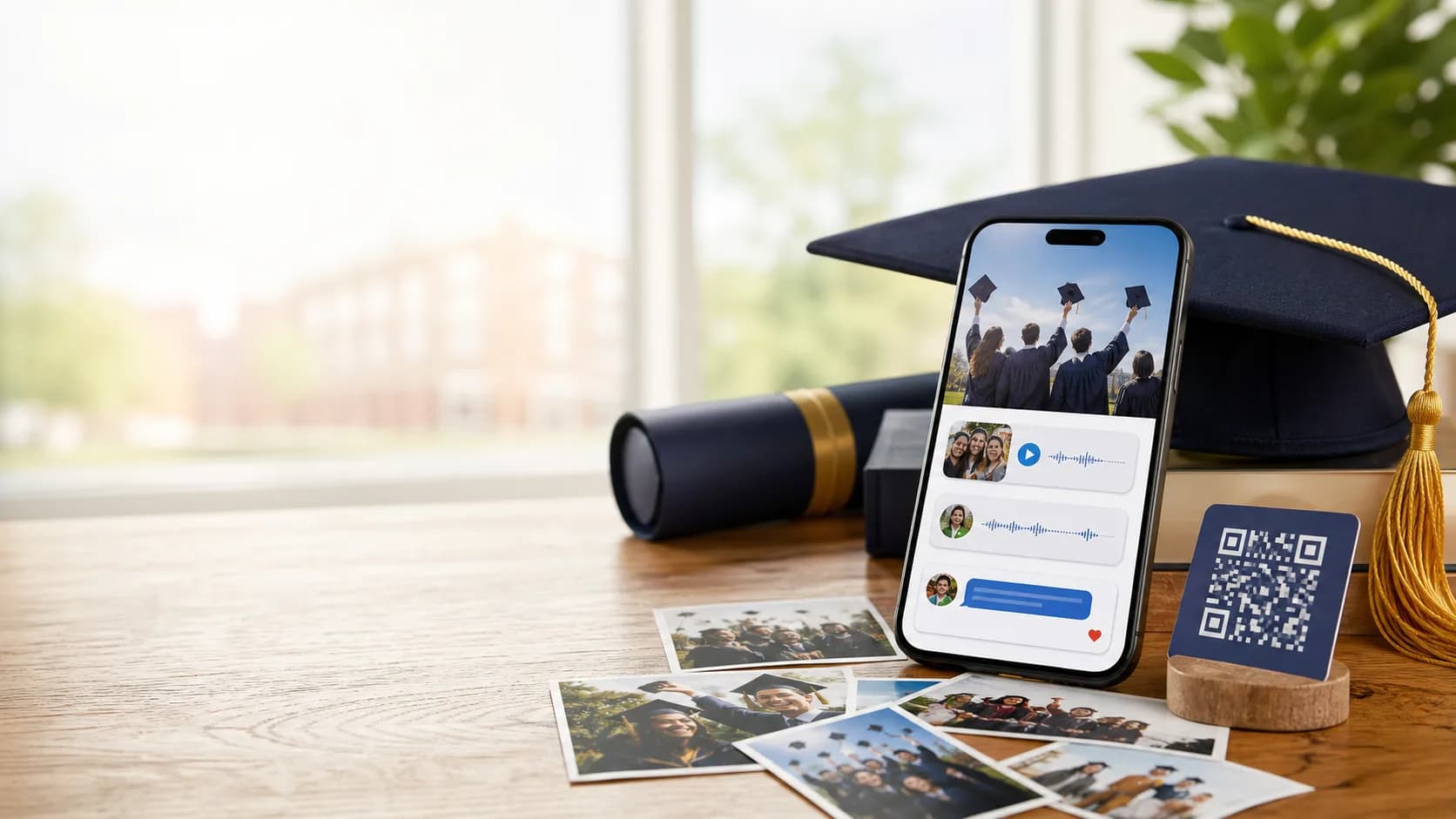
Class memory capsule
Capture graduation now. Open it years later.
Invite classmates, teachers, family, and friends to add messages, photos, videos, and advice while graduation is still fresh. Seal the capsule and reveal it at the next milestone.
Private by default / Class QR / Future unlock
A better home for graduation messages.
The last week moves quickly. A graduation capsule gives everyone a single place to contribute before people scatter into their next chapter.
Class-ready
Share with classmates, teams, clubs, and families
Prompted
Ask for advice, stories, photos, and future predictions
Timed reveal
Unlock at college graduation, a reunion, or any date
Use Cases
Built for the moments people forget to capture.
Class of time capsule
Collect messages and photos from classmates before everyone moves on.
Family encouragement
Invite parents, siblings, and relatives to leave support for the next chapter.
Teacher and mentor notes
Gather advice from the people who helped shape the graduate.
Team or club memories
Capture the season, inside jokes, shared wins, and farewell notes.
Future-self letters
Write notes to open five years later, at college graduation, or at a reunion.
Graduation party QR
Place a QR code at the party so guests can add messages on the spot.
Graduation collection
Make the moment last beyond the ceremony.
Use one capsule to collect every photo, wish, prediction, and piece of advice, then turn it into a reveal worth waiting for.
Everyone can contribute before the next chapter starts.
Graduation memories are freshest right now. Reanimation Lab helps you collect them before the group spreads out.
- Share one private link or QR code
- Use prompts for advice, favorite memories, and future predictions
- Set a reveal date for college graduation, reunions, or five years later
Class invite link
Invite classmates, teachers, relatives, and friends from one flow.
Graduation prompts
Ask for advice, stories, predictions, and words for the next chapter.
Photos and video
Save ceremony clips, party moments, speeches, and quick reactions.
Voice notes
Preserve encouragement and congratulations in the voices people remember.
Scheduled unlock
Choose five years later, a reunion, college graduation, or a custom date.
Guided reveal
Open a polished memory experience instead of a scattered album.
How It Works
Start today. Reveal when the moment is right.
Create the capsule
Name it for the class, graduate, club, team, or family milestone.
Invite contributors
Share a private link or QR code with classmates, family, teachers, and friends.
Open it later
Unlock the capsule at a reunion, college graduation, or date you choose.
Privacy And Control
Graduation memories stay private and organized.
You decide who can add entries, who can view them, and when the capsule opens. The experience stays focused on the graduate or class.
Invite-only sharing
Use a private link or QR code instead of a public submission page.
Visibility controls
Choose what contributors can see before and after the reveal.
Roles
Everyone gets the right level of access.
Owner
Creates the capsule, invites contributors, and sets the unlock date.
Contributor
Adds messages, photos, videos, or voice notes.
Viewer
Opens the capsule after unlock without changing it.
Why it works
Graduation becomes something to revisit.
A time capsule turns congratulations into a future ritual, giving the graduate or class a reason to reconnect with the people who were there.
Less coordination
One invite link replaces scattered group chats, albums, and last-minute requests.
More meaningful entries
Prompts help people share advice and memories instead of generic congratulations.
A future milestone
The unlock date gives the class or graduate a moment to look forward to.
What a graduation capsule can hold.
Think of it as the emotional version of a yearbook, with the formats people actually use now.
A future class reunion in miniature.
When the capsule opens, the messages become a guided reveal that brings the moment back.
Advice
Words for college, career, independence, and the next chapter.
Photos
Ceremony shots, party candids, team memories, and group moments.
Videos
Short congratulations, speeches, and farewell clips.
Predictions
Future guesses that will be fun to open years later.
Sealed privacy
Keep entries locked until the date arrives.
Easy sharing
Use one link or QR for the whole contributor group.
Related Guides
Keep exploring memory ideas.
Create the capsule before the school year closes.
Start with a private capsule, invite contributors, and set a reveal date the class or graduate can look forward to.
Launch a polished graduation keepsake fast
Invite classmates, family, teachers, and friends
Keep memories private until the reveal
Common Questions
What is a graduation time capsule?
It is a private digital capsule where classmates, friends, family, and mentors can save messages, photos, videos, voice notes, and advice for a future reveal.
When should a graduation time capsule unlock?
Popular choices include college graduation, five years later, a class reunion, or a custom milestone date.
Can classmates add photos and videos?
Yes. Contributors can add written messages, photos, videos, and voice notes from their phones.
Do contributors need an account?
Yes. Contributors sign in so entries stay connected to the right person and the capsule remains private.
Can teachers or mentors contribute?
Yes. You can invite teachers, coaches, mentors, family members, and classmates with the same private link or QR code.
Is the graduation capsule public?
No. Capsules are private by default, and you control who can contribute and view.
Capture graduation while it is still vivid.
Invite the people who shaped the moment, gather their messages, and open the capsule when the next chapter is ready to look back.