
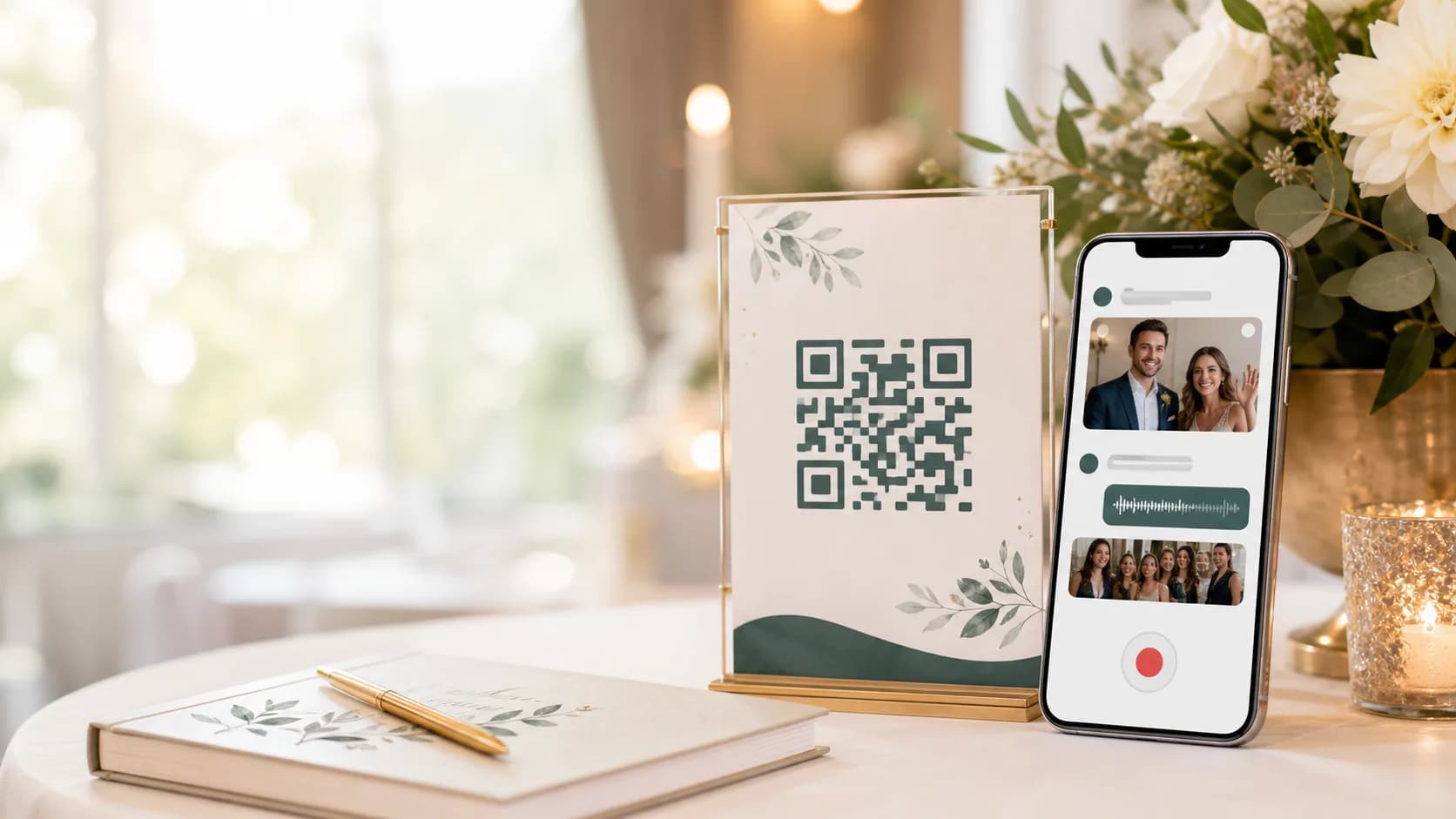
QR code guestbook
A QR code video guestbook guests actually use. Scan, record, replay.
Replace the paper guestbook with a QR-first digital guestbook. Guests scan at the event, record a video message, upload photos, or leave a voice note, and you keep everything in one private, replayable collection.
QR invitations / Video, photo, and voice / Moderation controls
A guestbook format people understand instantly.
Guests already have their phones out. A QR code video guestbook removes the friction and captures the voices, faces, and reactions a paper book cannot.
Scan to record
Fast enough for busy event moments
Video + voice
More personal than a signature or short note
Replay anytime
Turn guest messages into a keepsake after the event
Use Cases
Built for the moments people forget to capture.
Weddings and receptions
Collect video toasts, advice, and guest messages without a recording booth.
Birthday and milestone parties
Capture quick clips and voice notes that feel more personal than text.
Corporate events
Gather team shoutouts, customer reactions, and post-event reflections.
Graduations and reunions
Let guests scan a QR guestbook and leave a message before they head home.
Baby showers
Collect sweet wishes for the parents in a modern guestbook format.
Launches and pop-ups
Capture authentic customer reactions with a scan-to-record setup.
Event-ready collection
The QR code does the inviting for you.
Print it, frame it, add it to signage, or share it by link. Guests know what to do, and you keep control over what becomes part of the final guestbook.
No paper book. No lost clips. No chasing people later.
Everything lands in one private guestbook that can be reviewed live or saved for a guided replay after the event.
- QR code and link sharing for flexible event setups
- Prompts that help guests leave better messages
- Owner controls for moderation, privacy, and reveal timing
QR code guestbook
Display the code on welcome signs, table cards, programs, or screens.
Prompts that inspire
Ask for favorite memories, advice, cheers, or a message for the couple.
Owner controls
Review entries and remove unwanted contributions.
Video, photos, and voice
Let every guest contribute in the format that feels natural.
Flexible viewing
Review live, share after the event, or schedule a later reveal.
Guided replay
Turn scattered clips into a clean viewing experience.
How It Works
Start today. Reveal when the moment is right.
Create the guestbook
Choose a cover, set visibility, and generate the QR code.
Display the QR
Print or show the code so guests can scan and record from their phones.
Replay the memories
Review messages live or reveal the guestbook after the event.
Privacy And Control
Guestbook memories stay private and curated.
You control who can contribute, what appears, and when entries become visible. The guestbook is not a public feed.
Private by default
Only the people you invite can add to the guestbook.
Visibility controls
Hide entries until review, reveal them later, or keep them private.
Roles
Everyone gets the right level of access.
Owner
Creates the guestbook, prints the QR code, and manages entries.
Guest
Scans the QR code and leaves a video, photo, voice note, or message.
Viewer
Watches the guestbook during the event or after the reveal.
Why it converts
A guestbook people notice. And actually finish.
The QR code makes the action obvious, the phone flow keeps it familiar, and the replay gives guests a reason to leave something worth keeping.
Less friction
One scan gets guests into the guestbook without hunting for a form.
Richer memories
Video and voice capture tone, laughter, and emotion a signature misses.
A stronger reveal
Watch the guestbook as a curated replay instead of sorting through files.
What guests can leave.
The best guestbook moments are often spontaneous. A QR code makes it easy to capture them before they disappear.
A replay, not a file dump.
After the event, the guestbook becomes a clean collection you can revisit, share, or reveal later.
Video toasts
Short cheers, advice, and funny moments recorded on the spot.
Photo drops
Table shots, dance floor moments, and behind-the-scenes snapshots.
Voice notes
Quick audio messages for guests who prefer not to record video.
Written notes
Simple prompts for thoughtful wishes when the room is busy.
Moderated entries
Keep control over what appears in the final guestbook.
Flexible reveal
Use it live, after the event, or for a future anniversary.
Related Guides
Keep exploring memory ideas.
Start with a guestbook in minutes.
Create the QR guestbook, invite guests, and keep control over entries from setup through replay.
Launch a QR guestbook quickly
Invite guests by QR code or link
Moderate visibility and reveal timing
Common Questions
What is a video guestbook with QR code?
It is a digital guestbook where guests scan a QR code and leave video messages, photos, written notes, or voice notes instead of signing a paper book.
How does a QR code guestbook work?
Create the guestbook, display or print the QR code at the event, and guests scan it with their phones to add a message.
Do guests need an account?
No. The organizer buys a Collaborative keepsake, then shares a private link or QR code. Guests can add a message, photo, video or voice note without signing up.
Can I review or remove guest messages?
Yes. Organizers can review guest submissions and remove unwanted messages or media. Private contributions are not shown to other guests.
Can I show the video guestbook during the event?
Yes. You can review messages as they come in or schedule a guided reveal after the event.
Is the video guestbook private?
Yes. Guestbooks are private by default and only accessible through the people and links you choose.
Turn guest messages into memories.
Create a QR-driven video guestbook and capture every video, photo, and voice note that matters.