
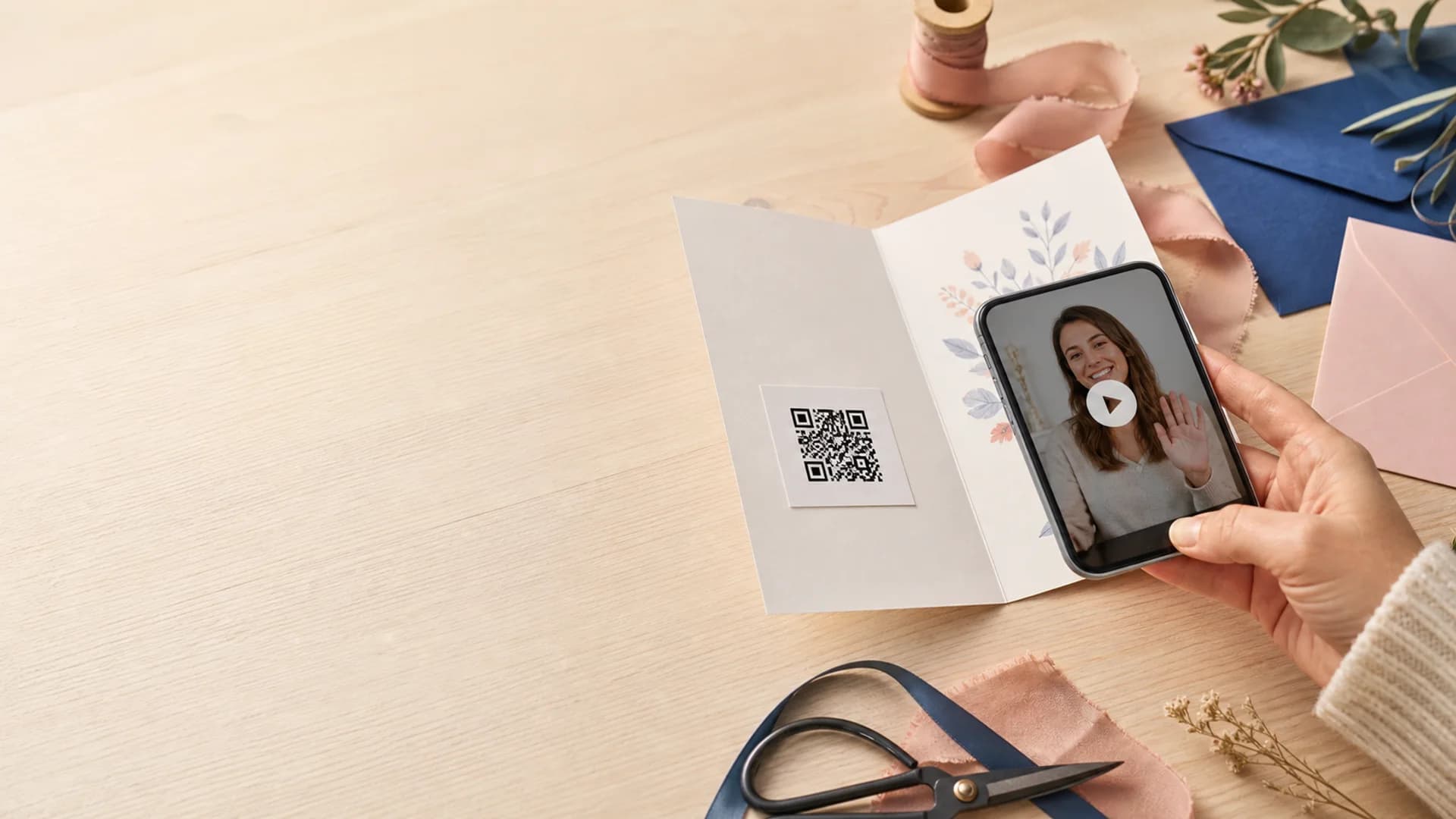
A simple scan-to-video card
Add a video message to any physical card.
Create your private video message, generate a QR code, and print it inside the greeting card you already love. The recipient scans once and your message opens on their phone.
No special card required / Mobile-friendly scan / Private video reveal
A physical keepsake with a digital surprise inside.
QR codes let a familiar paper card unlock video, voice, photos, and group messages without adding a screen, battery, or special hardware to the card itself.
4 simple steps
Create, generate, print, and test
Any card
Works with handmade, store-bought, or printed cards
One scan
The recipient opens the message from a phone browser
Use Cases
Built for the moments people forget to capture.
Birthday cards
Add a personal video or group surprise to a paper birthday card.
Wedding cards
Include a toast, memory, or message for the couple.
Holiday cards
Share a family video without printing a long newsletter.
Thank-you notes
Pair handwritten gratitude with a sincere face-to-face message.
Gift tags
Attach a small QR reveal to a wrapped gift or keepsake box.
Memorial keepsakes
Connect a printed remembrance card to private stories and recordings.
What you need
A video, a QR code, and the card in your hand.
The workflow is intentionally simple. You do not need to design an electronic card or host a public video. Create a private destination and connect it to print.
The QR code is the doorway, not the gift.
Give the recipient a reason to scan with a short handwritten cue, then make the destination feel personal, focused, and worth opening.
- Use a high-contrast code with a clear white margin
- Print large enough for comfortable phone scanning
- Test the final printed card in normal indoor light
Private video page
Keep the message focused and away from public social feeds.
Group contributions
Invite several people to add clips before printing the card.
Printable QR
Use the code on an insert, sticker, photo, or card panel.
Mobile playback
Let the recipient watch from the phone already in their hand.
Immediate access
The message is ready whenever the recipient scans the card.
Replayable keepsake
The physical card becomes a lasting path back to the message.
How It Works
Create, print, and make it ready to scan.
Create the video message
Record your greeting or invite others to add short video, voice, and photo messages.
Generate and print the QR
Place the high-contrast code on an insert or inside panel with a short scan prompt.
Test and deliver
Scan the printed code from another phone, confirm playback, then seal the card.
Privacy And Control
The scan opens a private message, not a public post.
You control who can contribute and where you share the card. The QR code connects the recipient to a focused card experience rather than an exposed social profile.
Private destination
Keep personal greetings within the audience you intended.
Ready on arrival
The greeting opens immediately when the recipient scans it.
Roles
Everyone gets the right level of access.
Card maker
Creates the video page, prints the QR code, and assembles the card.
Contributors
Add optional clips, photos, voice notes, and written messages.
Recipient
Scans the card and watches the private message on their phone.
Why this format works
The paper card builds anticipation. The video delivers presence.
The recipient still gets something tangible to hold, display, and keep, while the QR code unlocks the emotion and detail of a personal recording.
No special hardware
Use any printed card and the recipient's own phone.
Easy to personalize
Pair handwriting and design with a message only you can make.
Simple to keep
The card remains a physical reminder and a path back to the video.
How to make the QR insert scan reliably.
A thoughtful message needs a practical doorway. Give the code enough space, contrast, and context so the recipient knows exactly what to do.
Best placement inside the card.
The right inside panel, a separate insert, or a small photo card usually gives the code enough flat, uncluttered space.
Use strong contrast
Print a dark code on a clean white or very light background.
Leave a quiet zone
Keep decorative borders, handwriting, and folds away from the code.
Add a scan prompt
Write a short cue such as a personal surprise is waiting.
Test the actual print
Scan from the finished card, not only from your computer screen.
Recommended size
Aim for roughly 1.25 to 1.75 inches square for comfortable scanning.
Avoid folds
Keep the code flat and away from glossy glare or textured seams.
Turn the card you already bought into a personal video experience.
Create the message first, print the QR code, and test the finished card in just a few straightforward steps.
Record solo or collect group messages
Print a code for any card format
Open from a modern phone browser
Common Questions
How do I add a video message to a physical card?
Create a private video greeting, generate its QR code, print the code on an insert or inside the card, add a short scan instruction, and test the printed code before delivery.
How big should a QR code be on a greeting card?
A QR code around 1.25 to 1.75 inches square is comfortable for most greeting cards. Keep a clear white margin around it and test the actual print.
Can a QR code open a private video?
Yes. The QR code can point to a private greeting experience rather than a public video page. Access depends on the privacy settings you choose.
Does the recipient need to download an app?
No dedicated app is required. A modern smartphone camera can scan the code and open the message in a browser.
Can several people contribute videos before I print the QR code?
Yes. Create the card first, invite contributors, review the collection, and then print the same QR code for the final recipient experience.
What if the QR code does not scan after printing?
Increase the code size, use stronger black-and-white contrast, remove nearby decorative elements, avoid glossy glare, and make sure the code is printed flat rather than across a fold.
Give the physical card a moment only video can create.
Record the message, print the QR code, and make the card feel like you are right there when it opens.