
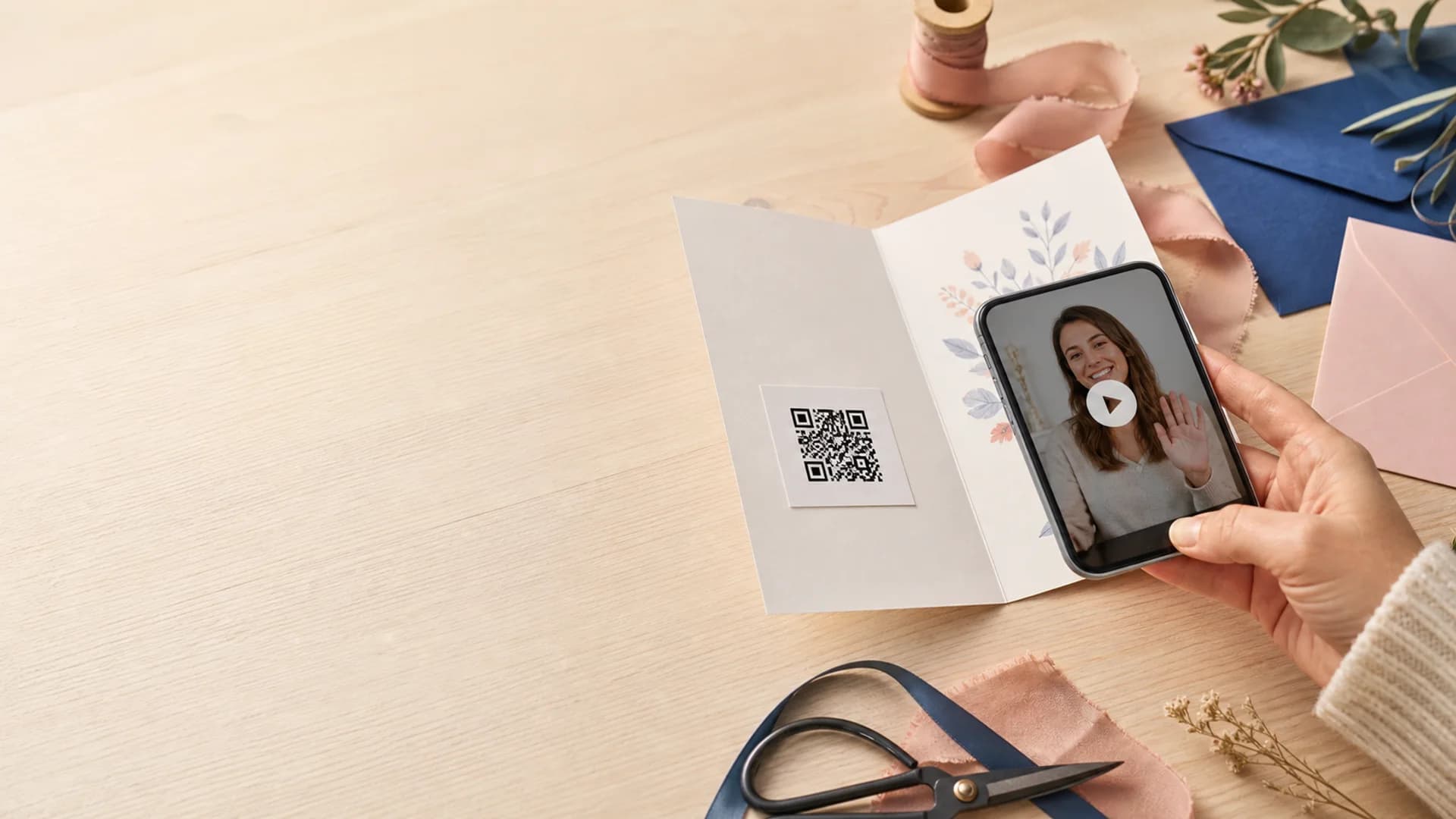
A private digital time capsule needs two plans: what the recipient will open, and how they will find it when the reveal moment arrives. The second plan is easy to overlook because sharing feels like the final step.
Choose the access path as deliberately as the message itself. A link, QR card, or contributor invite can all work well, but each one fits a different kind of reveal.
Quick answer
Share the capsule in the same shape as the future reveal.
Use a private link for direct delivery, a QR card when the reveal starts from a physical object, and contributor invites when the story needs several voices before it is sealed.
Pick the right sharing method
Start with the recipient's future context, then choose the access path that will feel natural in that moment.
Private link
One recipient or a small family group
Use a direct link when the capsule belongs in a message, email, family chat, or saved document the recipient can find later.
Printed QR card
Birthday cards, weddings, memorial tables, and keepsake boxes
A QR card turns a physical object into the access point for video, voice, photos, and letters without asking people to type a URL.
Contributor invite
Group memories with more than one voice
Invite contributors when the final reveal should feel collective: a graduation sendoff, anniversary tribute, reunion archive, or memorial capsule.
Privacy checks before you send it
Check the audience
Make sure the capsule is shared with the people named in the message, not a broader circle that would change what feels appropriate.
Save the access path
Keep the link, QR card, or access note somewhere durable enough to survive the wait until the reveal date.
Match sharing to the unlock date
If the capsule should stay private until a milestone, do not place the QR where people will scan it before the moment arrives.
Explain what they are opening
A sentence of context helps recipients understand why this link or QR card matters instead of treating it like a random file.
Five-step handoff
Make the capsule easy to recognize when the day arrives.
- 1Name the recipient or group before choosing the sharing method.
- 2Decide whether the capsule should be opened privately, at an event, or as part of a future ritual.
- 3Add one access note that says who made the capsule, why it exists, and when to open it.
- 4Test the QR or link before printing, sending, or sealing it in a card.
- 5Store a backup access path in a place the recipient or organizer will still control later.
Common sharing mistakes
Pair privacy with a clear reveal date
Private sharing is strongest when the access path and unlock date reinforce each other. If you are still choosing the timing, use the unlock date guide before you print the QR or send the link.
Create a capsule with a sharing path built in
Add the message, choose who should receive it, set the reveal date, and save a link or QR card that future recipients will understand.