
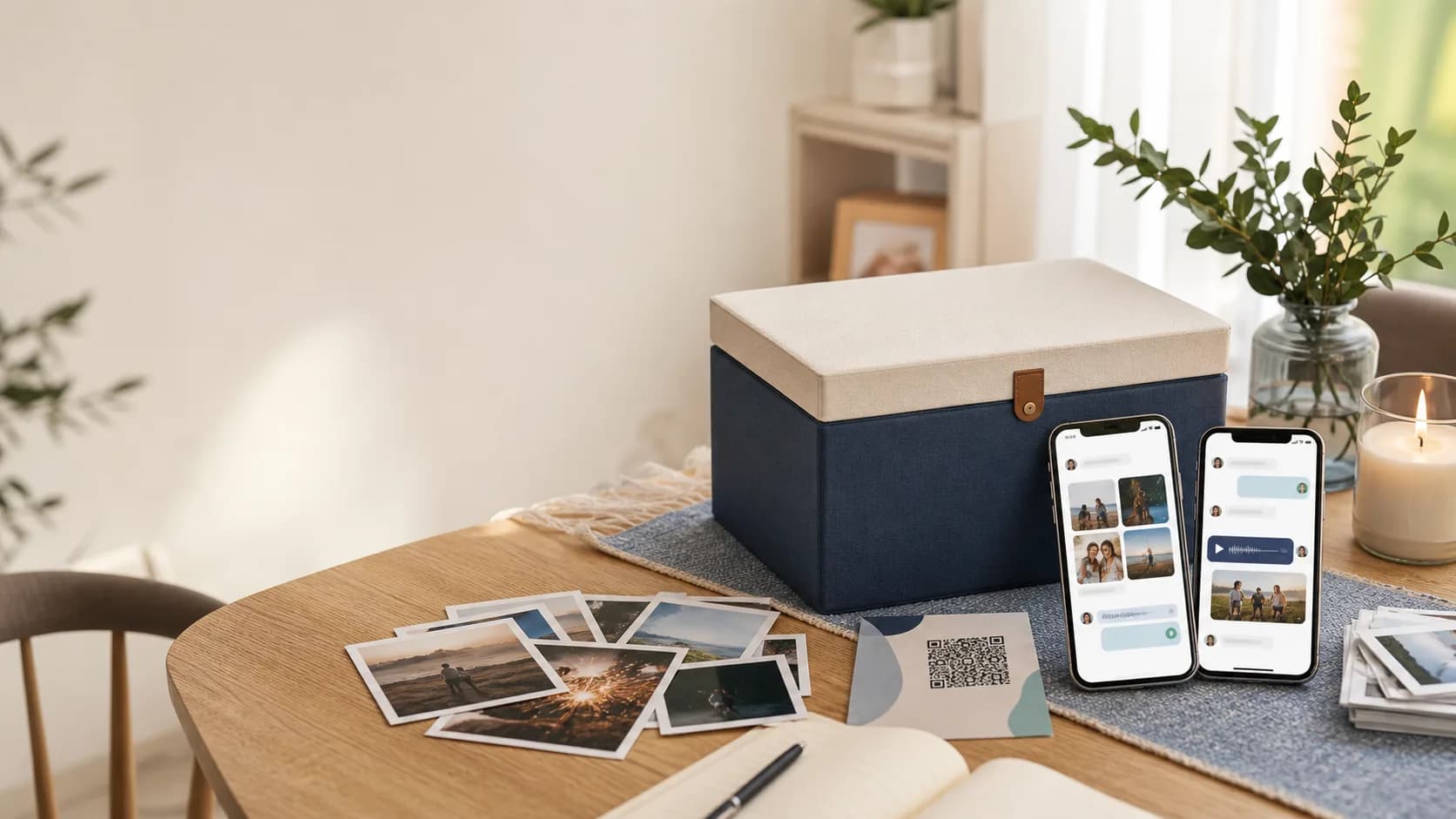
A digital time capsule works best when it feels specific. The goal is not to save every file from a season of life. The goal is to preserve enough context that the recipient can feel why this moment mattered when the unlock date finally arrives.
Use this checklist before you seal a capsule for a birthday, wedding, memorial, graduation, family archive, or message to your future self.
Quick answer
Include context, media, people, and a clear reveal plan.
A useful capsule usually has five parts: a written note, a few visual anchors, a voice or video message, the right contributors, and a reliable way to open it later.
What to save in the capsule
Start with one item from each category. Add more only when the extra piece changes what the recipient will understand or feel.
Written context
A future reader needs more than files. They need the reason this moment mattered.
- A short letter explaining why you made the capsule
- Names, dates, locations, and relationships that may not be obvious later
- A note about what you hope the recipient understands when it unlocks
Photos and visual details
Images carry the surroundings, styles, faces, and small artifacts memory forgets first.
- One clear portrait or group photo
- A place photo that shows the room, street, venue, or home
- A detail photo of a card, recipe, drawing, outfit, keepsake, or handwritten note
Voice notes
A voice note preserves tone, pauses, laughter, and affection in a way text cannot.
- A 30 to 90 second greeting
- One story told in the speaker's natural voice
- A short message from someone who cannot be present at the reveal
Video clips
Use video when movement, expression, or a shared place is part of the memory.
- A direct-to-camera message for the recipient
- A quick room, table, event, or neighborhood walkthrough
- A clip of a ritual, toast, song, dance, or everyday routine
Decide how the reveal should work
The best capsule can still disappoint if nobody knows when, why, or how to open it. Make these decisions before you finish.
Unlock date
Choose a date with meaning: a birthday, anniversary, graduation, reunion, memorial day, or personal milestone.
Audience
Decide whether the capsule is for one person, a family group, invited collaborators, or a future version of yourself.
Access path
Save the link, print a QR insert, or place the QR in a card so the reveal is easy to find when the day arrives.
Privacy
Review whether each item belongs in a private capsule, a shared family capsule, or a public memory.
Final pass
Review the capsule like the recipient will open it years from now.
What if you are not sure where to start?
Pick one person and one future date. Write the note first, then add the smallest set of media that supports it. You can also start from a time capsule template if the moment already has a familiar shape.
Build the checklist into a real capsule
Add the note, choose a reveal date, invite contributors if the memory is shared, and save a QR or link somewhere the recipient will know to look.