
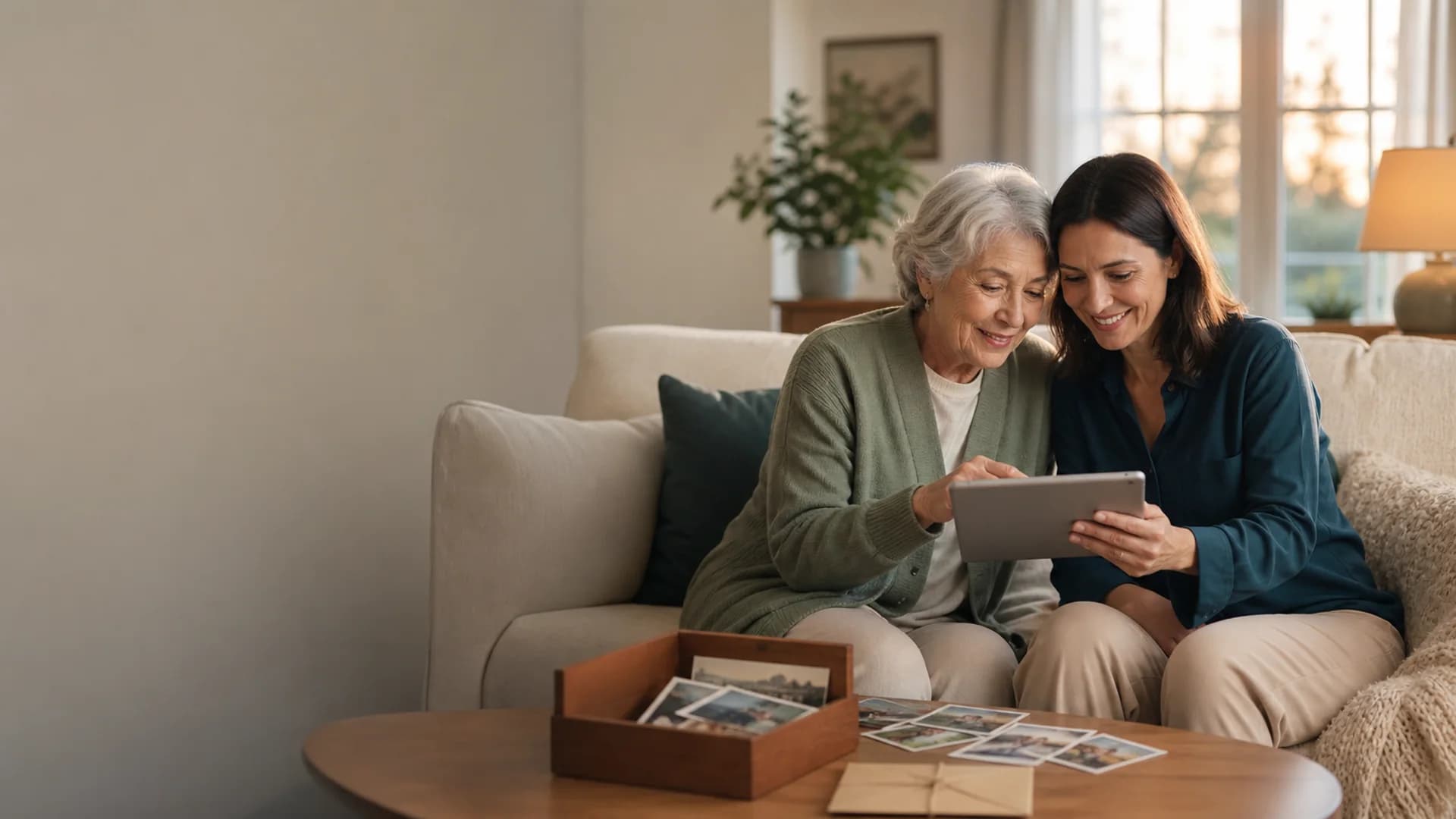
A digital legacy your family can understand
Pass down the memories. Keep the meaning attached.
Organize the photos, videos, voices, letters, and stories that define your life into a private family archive. Add context now so the people you love inherit more than disconnected files.
Private family access / Mixed-media archive / Guided future handoff
A backup protects files. A legacy preserves understanding.
Cloud folders can store thousands of images and still leave family wondering who, where, and why. A digital memory archive connects each file to its story and intended recipient.
Organized context
Keep names, stories, and meaning with each memory
Mixed media
Preserve photos, video, voice, letters, and documents
Trusted handoff
Choose family access and future delivery intentionally
Use Cases
Built for the moments people forget to capture.
Family photo archives
Identify people, places, dates, and the story behind each image.
Recorded life stories
Tell important stories in the voice your family recognizes.
Legacy letters
Leave values, explanations, gratitude, and guidance in writing.
Family traditions
Preserve recipes, rituals, sayings, and the reasons they matter.
Milestone collections
Organize memories around childhood, careers, relationships, and change.
Future family access
Prepare a clear, intentional path for loved ones to receive the archive.
A practical digital legacy plan
Curate what matters before someone else has to sort it.
Choose the memories with lasting value, add the context only you know, and organize them around people and stories rather than device folders.
Do not make your family decode your camera roll.
A smaller, explained collection is more useful than a massive archive with no names, dates, or narrative.
- Select meaningful memories instead of transferring everything
- Record names, relationships, places, and why each item matters
- Set clear access for trusted people and future milestones
Photo organization
Group images by person, chapter, tradition, or story.
Voice context
Explain photographs and family history without writing every detail.
Video memories
Preserve expressions, demonstrations, tours, and direct messages.
Legacy letters
Write guidance and meaning that belongs beside the archive.
Family contributors
Invite relatives to identify people and add missing perspectives.
Future delivery
Choose recipients and dates that match the purpose of the collection.
How It Works
Start today. Reveal when the moment is right.
Choose what matters
Select the memories, stories, and life chapters with lasting family value.
Add names and meaning
Record who is present, what happened, and why the memory belongs in the archive.
Plan the handoff
Invite trusted family and choose how or when they receive the collection.
Privacy And Control
Your digital legacy stays with people you choose.
Keep the archive private while you build it. Assign trusted contributors or viewers intentionally and control the timing of any future reveal.
Private family archive
Memories are protected from public feeds and casual discovery.
Clear permissions
Choose contributors, viewers, and the future recipient experience.
Roles
Everyone gets the right level of access.
Archive creator
Selects memories, records context, and sets access.
Trusted family
Helps identify people, confirm stories, and add perspective.
Future recipients
Receive an organized, understandable family legacy.
Files versus legacy
Storage keeps the data. Story keeps the person.
Passing down digital memories means preserving relationships and context, not simply transferring passwords or hard drives. The archive should help loved ones know what they are looking at and why it mattered.
Less overwhelm
Curate a meaningful collection instead of handing over every file.
More understanding
Attach names, stories, and personal explanation to each memory.
A clear handoff
Decide who should receive the archive and under what conditions.
What belongs in a digital memory legacy.
Prioritize the material that reveals identity, relationships, turning points, and the texture of ordinary life.
Use more than one copy.
A curated capsule adds experience and context, but irreplaceable source files should also have redundant backups in separate locations.
Essential photographs
Images of people, places, traditions, and important chapters with names attached.
Voice and video
Stories, greetings, demonstrations, family sayings, and direct messages.
Letters and documents
Personal reflections, recipes, journals, and records that need explanation.
A guide to the archive
A short introduction that tells recipients what is here and how to explore it.
Preservation
Keep original files backed up with dependable storage practices.
Presentation
Use the memory archive to explain, organize, and deliver the story.
Start with the memories only you can explain.
Choose a handful of meaningful photos or stories, add your voice, and let the archive grow from a clear foundation.
Organize mixed media into one family archive
Record the context only you know
Plan trusted access and delivery
Common Questions
What is the best way to pass down digital memories?
Curate the most meaningful files, add names and context, organize them by people or stories, keep redundant backups, and create a clear access plan for trusted family.
How is a digital legacy different from a backup?
A backup preserves data. A digital legacy explains what the files mean, who they involve, why they matter, and who should receive them.
What digital memories should I preserve?
Prioritize essential family photographs, recorded stories, direct video messages, voice notes, letters, recipes, traditions, and documents that reveal important life chapters.
Should I give my family all of my digital files?
Usually a curated collection is easier to understand and more meaningful than an unfiltered device archive. Keep full backups separately when appropriate.
How should I label old photos and recordings?
Add the names of the people, an approximate date, the place, and one sentence about why the moment matters. Do not rely on a camera filename or folder date to carry the story.
Should I include passwords or recovery codes in the archive?
No. Keep active passwords, recovery codes, financial details, and other sensitive credentials in a dedicated password manager or secure access plan. The family archive should explain the memories, not become the key to every account.
Who should be able to access a family memory archive?
Choose one or more trusted recipients, decide whether they can contribute or only view, and document how they will find the archive. Avoid making one person or one device the only path to the collection.
Can family members help build the archive?
Yes. Trusted relatives can help identify people, confirm dates, contribute stories, and add perspectives you do not have.
How do I make sure digital memories last?
Keep original files in more than one dependable storage location, use common file formats, review the collection periodically, and maintain a clear plan for family access.
How often should I review the collection?
Review it at least once a year and after major family changes. Confirm that backups still open, recipient details are current, important links still work, and new stories have enough context.
Pass down a story, not a storage problem.
Build a private digital memory archive that helps your family see the people, meaning, and love behind the files.